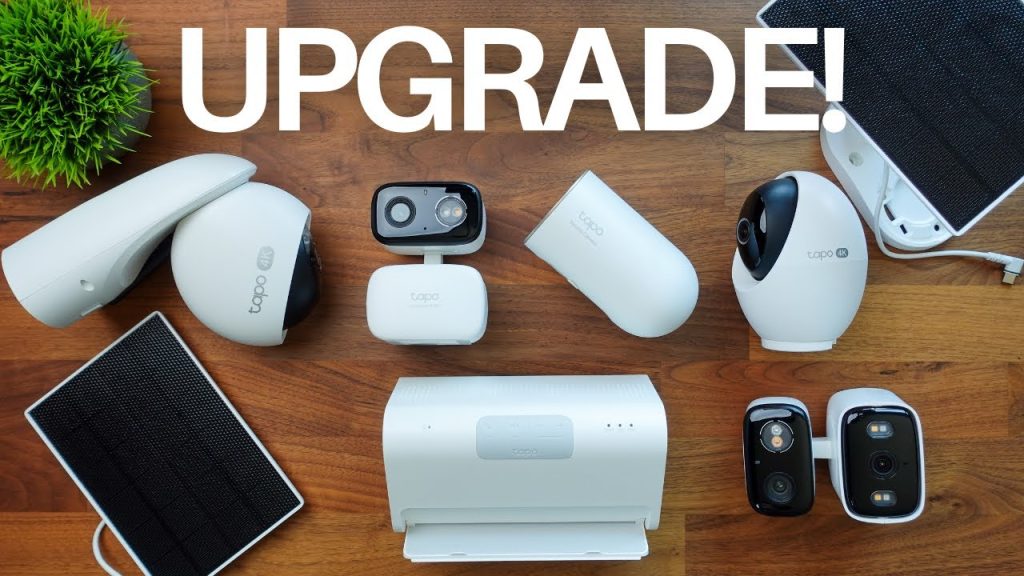
Are you worried about the safety of your home or office? If you’re considering Tapo cameras, you might be asking yourself one important question: Are Tapo cameras secure?
You want to protect your space without opening the door to hackers or privacy risks. You’ll discover how Tapo cameras keep your footage safe, what security features they offer, and what you can do to make sure your system stays protected.
Keep reading to find out if Tapo cameras are the right choice for your security needs.
Tapo Camera Features
Tapo cameras offer several features that contribute to their security and usability. These features cover design, connectivity, video quality, and storage options. Understanding these aspects helps users decide if Tapo cameras meet their security needs.
Design And Build Quality
Tapo cameras have a simple and compact design. They fit well in homes and offices without drawing attention. The build uses durable materials to withstand daily use. Some models have weather-resistant cases for outdoor use. Easy installation is part of the design, allowing users to set up cameras quickly.
Connectivity Options
Tapo cameras connect via Wi-Fi, supporting common home networks. They use standard encryption to protect data during transmission. Users can access the camera feed through a dedicated app. The app supports remote viewing, notifications, and camera control. Some models offer Ethernet ports for wired connections, adding stability to the network.
Video Quality And Storage
Video quality ranges from HD to Full HD, providing clear images. Night vision is included for low-light environments. Cameras record in real-time with minimal delay. Storage options include cloud storage and local storage via microSD cards. Local storage keeps videos safe without relying on internet access. Cloud storage offers easy access from any device.
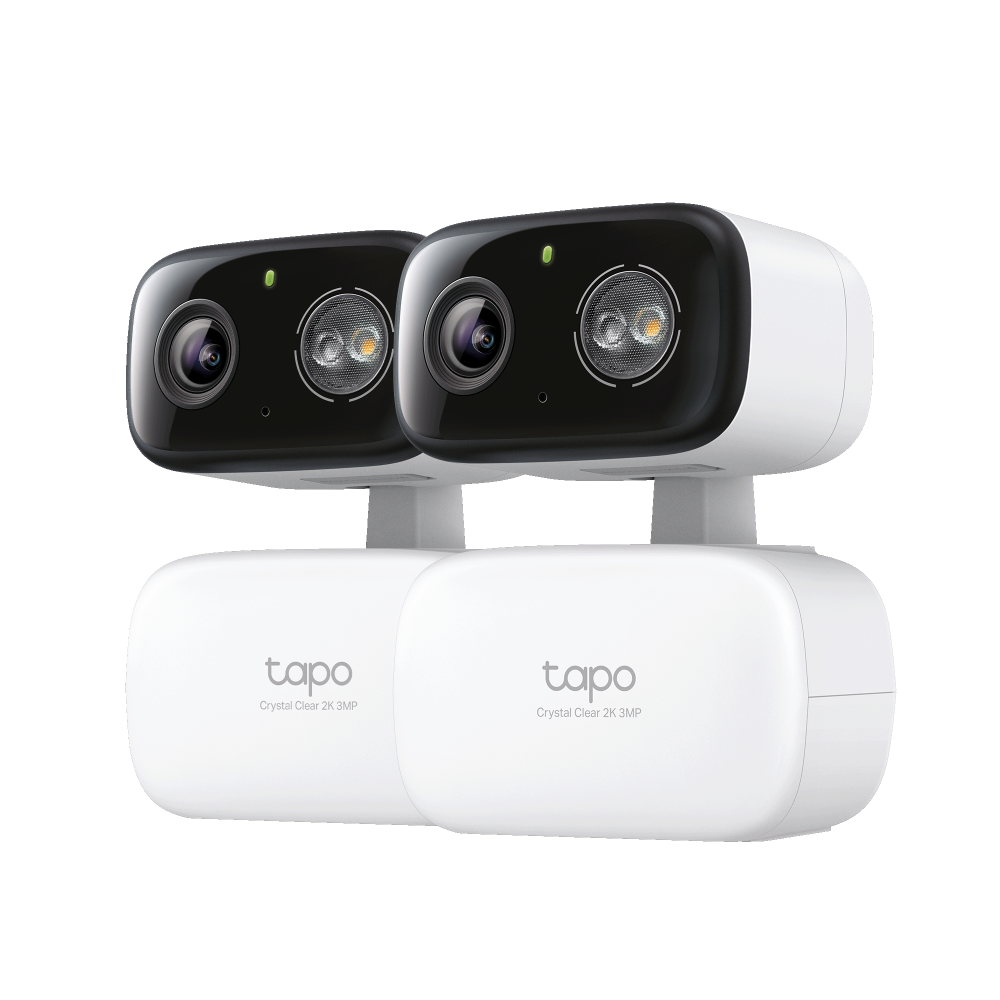
Credit: www.tp-link.com
Security Protocols
Tapo cameras use strong security protocols to protect your data and privacy. Encryption and regular updates help keep your footage safe from hackers. These features make Tapo cameras a reliable choice for home security.
Security is a major concern for users of Tapo cameras. These devices must protect your privacy and ensure your data stays safe. Tapo cameras implement various security protocols to maintain data integrity. They focus on encryption, authentication, and regular firmware updates. Each aspect plays a crucial role in keeping your information secure.Data Encryption Standards
Tapo cameras utilize advanced encryption methods. They protect your video feeds and personal data. AES encryption is commonly used. It’s a standard for securing electronic data. This ensures that your information is not easily accessed by unauthorized users. Encryption makes it difficult for hackers to intercept or decipher data.Authentication Methods
Authentication is essential for security. Tapo cameras use secure login processes. They require strong passwords and user verification. Two-factor authentication adds an extra layer of security. This method combines something you know with something you have. It prevents unauthorized access and protects your camera settings.Firmware Updates
Firmware updates are crucial for device security. Tapo regularly releases updates to patch vulnerabilities. These updates enhance performance and security features. Keeping your camera’s firmware up-to-date is important. It ensures you have the latest security protections. Regular updates help safeguard against potential threats.Privacy Concerns
Privacy concerns are important for anyone using Tapo cameras. Cameras capture personal moments and sensitive areas. Protecting this data is crucial. Understanding how Tapo handles privacy helps users feel safer.
Data Collection Practices
Tapo cameras collect video and audio data to work properly. This data often goes to cloud storage for remote access. Some information about device usage also gets collected. Tapo states they use this data to improve services. Data is usually encrypted during transfer and storage.
User Control Over Data
Users can manage their data through the Tapo app. Options include deleting recorded videos and changing privacy settings. Users can disable cloud storage if they prefer local storage only. Account security features like two-factor authentication add extra protection. Regular updates improve security and privacy controls.
Third-party Access Risks
There is always a risk of unauthorized access. Hackers may try to access cameras through weak passwords. Third parties might gain access if accounts are compromised. Tapo claims to follow industry standards to limit these risks. Users should use strong passwords and keep software updated.

Credit: www.amazon.ca
Common Vulnerabilities
Understanding the common vulnerabilities of Tapo cameras is crucial for anyone relying on them for home security. These issues highlight where the cameras can be exposed to risks and help you take better control of your device’s safety. Let’s look closely at what weaknesses have been reported and how hackers might exploit them.
Reported Security Flaws
Several users and security researchers have pointed out flaws in Tapo cameras that could put your privacy at risk. Some cameras were found with outdated firmware, which lacked important security patches. Others had weak default passwords or unencrypted data transmission, making it easier for outsiders to intercept your video feed.
There have also been cases where vulnerabilities allowed unauthorized access through poorly secured mobile apps. If a hacker exploits these flaws, they could potentially watch your camera feed or even control the device remotely.
Potential Hacking Methods
Hackers often use common techniques to take advantage of these vulnerabilities. One method is brute force attacks, where they try many password combinations until they find the right one. Weak or default passwords make this attack surprisingly effective.
Another method involves exploiting unpatched software bugs that let attackers bypass authentication. Some hackers use network sniffing tools to intercept unencrypted video streams, gaining access without needing to hack the camera directly.
Have you ever wondered how easy it might be for a stranger to watch your private moments without you knowing? These methods show that without proper protection, it’s more possible than you might think.
Mitigation Strategies
- Change Default Passwords:Always set a strong, unique password for your Tapo camera to block brute force attempts.
- Keep Firmware Updated:Regularly update your camera’s firmware to patch known security flaws.
- Use Secure Networks:Connect your camera to a secure Wi-Fi network with WPA3 encryption if possible.
- Enable Two-Factor Authentication:Add an extra layer of security where available to prevent unauthorized access.
- Review App Permissions:Limit the mobile app’s access and monitor which devices are connected.
Taking these simple steps can significantly reduce your risk and give you peace of mind. What security habit will you start with today to protect your Tapo camera?
User Experiences
Understanding user experiences with Tapo cameras gives you a clearer view of their real-world security performance. People’s direct encounters reveal strengths and weaknesses that specs alone can’t show. Let’s look at what customers say, how issues are handled, and how responsive the support team is.
Customer Reviews On Security
Many users praise Tapo cameras for their reliable encryption and secure cloud storage. They often mention feeling confident that their footage is safe from unauthorized access. However, a few reviews highlight concerns about default passwords and the need for regular updates to maintain security.
One user shared how enabling two-factor authentication added an extra layer of protection, reducing their worries about hacking. Have you checked if your camera settings include these security features? Small changes like these can make a big difference.
Incidents And Resolutions
Some customers reported isolated cases of unauthorized access or glitches causing temporary vulnerabilities. These incidents are rare but important to note. What stands out is how quickly Tapo addressed these problems with firmware updates and clear instructions.
For example, after a reported breach, the company promptly released a patch and advised users to reset passwords. This swift response helped many regain trust. Would you feel reassured knowing your camera manufacturer takes security breaches seriously and acts fast?
Support And Response
Users consistently mention Tapo’s support team as helpful and accessible. Whether through live chat or email, many found answers within a short time. This kind of support matters when security concerns arise unexpectedly.
Some users noted that detailed guides and FAQs made troubleshooting easier without needing direct contact. Still, in urgent cases, having a responsive team can save you stress and time. How important is quick support when dealing with your home security?

Credit: www.amazon.ca
Comparing With Competitors
Choosing the right security camera means looking beyond just features and price. You want to know how Tapo cameras measure up against other options in the market. Comparing their security aspects, privacy policies, and overall value can help you decide if they truly protect your home and data.
Security Features Comparison
Tapo cameras offer essential security features like 128-bit AES encryption and two-way audio, which are standard among many brands. But when you compare them with competitors like Arlo or Ring, you’ll notice differences in advanced options such as AI-based motion detection or customizable activity zones.
For example, while Tapo provides motion alerts, some competitors offer facial recognition or package detection. This can be crucial if you want more precise notifications and fewer false alarms. Think about what level of detail you need from your camera alerts to keep your space truly secure.
Privacy Policies Contrast
Privacy is often overlooked, yet it’s one of the most important aspects of a security camera. Tapo’s privacy policy emphasizes data encryption and limits data sharing with third parties, which aligns with industry standards. However, some competitors have more transparent policies about where data is stored or how long it’s kept.
If you value local storage options or want more control over your footage, some brands offer offline storage or easier export features. Ask yourself how comfortable you are with cloud storage and whether the company’s privacy promises match your expectations.
Value For Security Investment
Tapo cameras are generally more affordable than many competitors, which is appealing if you want solid security without breaking the bank. But lower cost sometimes means fewer premium security features or less frequent firmware updates.
Consider whether paying a bit more for advanced protection features adds real value for you. Are you willing to invest in a camera system that evolves with security threats, or do you prefer a budget-friendly option that covers basic needs effectively?
Best Practices For Safety
Keeping your Tapo cameras safe is vital for protecting your privacy. Following smart safety habits lowers risks of hacking or data theft. Small actions make a big difference in security. These best practices help you guard your devices and data effectively.
Setting Strong Passwords
Use unique passwords with letters, numbers, and symbols. Avoid simple words or common phrases. Change default passwords immediately after setup. Strong passwords block easy access by intruders.
Regular Firmware Updates
Firmware updates fix security weaknesses and improve performance. Check for updates often through the Tapo app. Install updates without delay to stay protected. Updated software keeps your camera safe from new threats.
Network Security Tips
- Secure your Wi-Fi with a strong password.
- Use WPA3 or WPA2 encryption on your router.
- Disable remote access if not needed.
- Separate your camera network from other devices.
- Turn off UPnP to reduce vulnerabilities.
Strong network settings create a safer environment for your cameras. Simple steps prevent unauthorized access and keep your video safe.
Frequently Asked Questions
Are Tapo Cameras Safe From Hacking?
Tapo cameras use advanced encryption and secure protocols to protect your data. Regular firmware updates improve security. Enabling two-factor authentication adds an extra protection layer. However, always use strong, unique passwords to minimize hacking risks.
How Does Tapo Protect User Privacy?
Tapo cameras store data locally or on encrypted cloud servers. They comply with strict privacy standards. Users can control camera access and permissions via the app. This ensures your video footage stays private and secure.
Can Tapo Cameras Be Accessed Remotely Securely?
Yes, Tapo cameras support secure remote access through the Tapo app. Data transmission is encrypted to prevent unauthorized viewing. Users must authenticate their identity before accessing live feeds remotely, ensuring safe and reliable monitoring.
Do Tapo Cameras Receive Regular Security Updates?
Tapo releases frequent firmware updates to patch vulnerabilities and enhance features. These updates improve camera performance and security. Users should enable automatic updates to keep their devices protected against emerging threats.
Conclusion
Tapo cameras offer solid security features for home use. They use encryption to protect your video data. Regular updates help fix any security risks quickly. Users should create strong passwords and enable two-factor authentication. This adds an extra layer of protection.
Remember to keep the app and firmware current. No system is perfect, but Tapo cameras work well to keep you safe. Trust comes with smart use and good habits. Choose Tapo if you want reliable, easy-to-use security cameras. Stay alert, stay secure.






