
Are you worried about your neighbor’s security camera picking up your private conversations? It’s frustrating when your personal space feels invaded by unwanted audio recording.
You deserve to feel safe and secure in your own home without worrying about being overheard. You’ll discover simple and effective ways to block your neighbor’s security camera audio. Keep reading to take control of your privacy and protect what matters most to you.
Credit: us.aqara.com
Assessing Privacy Concerns
Privacy is a key concern when neighbors install security cameras with audio recording. It is important to understand the issues involved before taking any action. This section explores the key points about audio surveillance and your rights.
Understanding Audio Surveillance
Audio surveillance means recording sounds near a camera. Many cameras capture both video and sound. This can include private conversations or personal moments. Not all neighbors know about audio recording or its impact. Awareness helps in handling the situation calmly.
Audio recording devices vary in range and quality. Some pick up distant sounds clearly. This increases privacy risks beyond just visual monitoring. Knowing how audio surveillance works can guide your next steps.
Legal Implications And Rights
Laws about audio recording differ by location. Some places require consent from all parties before recording sound. Others allow recording in public spaces but not private areas. It is important to learn local rules to avoid legal trouble.
Privacy laws protect you from unauthorized audio surveillance. You have the right to feel safe in your home and yard. If a neighbor’s camera invades your privacy, legal action might be possible. Consulting a lawyer or local authority can clarify your rights.
Identifying Camera Locations
Identifying where your neighbor’s security camera and its audio recording devices are located is the first step to managing your privacy effectively. Without knowing the exact spots, any effort to block audio becomes guesswork. Let’s focus on how you can spot these devices and what tools can help reveal hidden microphones.
Signs Of Audio Recording
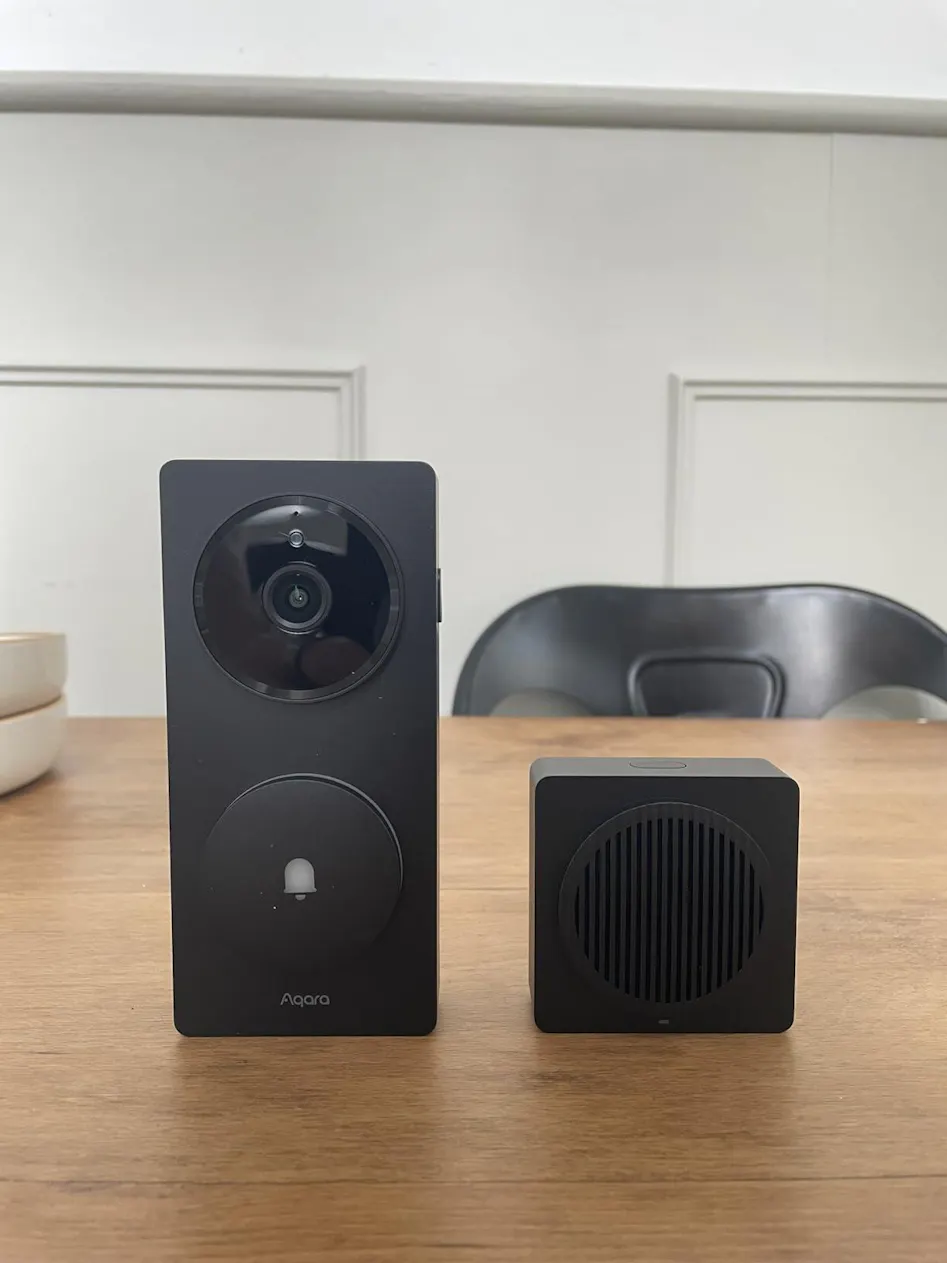
Not all security cameras record sound, but many do. Look for small holes or mesh areas near the camera lens—these often cover the microphone. If you notice tiny grills or pinhole-sized openings on the camera body, consider them a clue.
Sometimes, the camera’s manual or online product page reveals whether it has audio capabilities. If you can’t access this info, listen closely for faint clicking or static noises coming from the camera area, especially when it powers on. These sounds can indicate active microphones.
Have you ever felt uneasy when a camera seems to “watch” and “listen” at the same time? That feeling often comes from subtle audio recording features. Pay attention to any signs that hint at audio capture—it’s your privacy at stake.
Tools To Locate Microphones
Several practical tools can help you find hidden microphones around your property:
- RF Detectors:These devices pick up radio frequencies emitted by wireless microphones. Sweep the area slowly, especially around suspicious cameras.
- Smartphone Apps:Some apps detect electromagnetic fields or unusual sounds, offering a quick check for hidden mics.
- Flashlight Inspection:Shine a bright light at the camera to reveal tiny reflections from microphone openings.
Using these tools doesn’t require technical expertise. I once used a simple RF detector to find a small, disguised mic near my window—it was surprisingly effective. Have you tried any of these tools yourself? You might be surprised what you uncover.
Non-invasive Solutions
Dealing with your neighbor’s security camera audio can be tricky, especially when you want to respect boundaries without causing conflicts. Non-invasive solutions offer ways to reduce or block unwanted audio capture without tampering with devices or creating tension. These approaches focus on altering your environment to protect your privacy naturally and effectively.
Strategic Landscaping
Plants and trees can act as natural sound barriers. By planting dense shrubs or tall hedges near your property line, you create a buffer that absorbs or deflects sound waves.
Ever noticed how a row of evergreens muffles outside noises? That’s the kind of effect you can aim for. Using a combination of different plants with thick leaves enhances sound absorption.
Consider placing bamboo or arborvitae along fences or windows facing the camera. These fast-growing plants not only add privacy but also soften the sound that reaches the microphone.
Soundproofing Techniques
Adding soundproofing materials around your outdoor spaces can significantly reduce audio pickup. Acoustic panels designed for outdoor use or weather-resistant foam can be installed on walls or fences.
Soundproof curtains or heavy-duty outdoor fabrics also help when hung near windows or patios. These materials absorb noise before it escapes toward the neighbor’s camera.
Have you tried using water features like fountains? The white noise they create masks conversations and makes audio recording much less clear. This simple addition can be both decorative and practical.

Credit: eu.aqara.com
Technological Interventions
Dealing with unwanted audio recording from a neighbor’s security camera can be tricky. Luckily, technology offers practical tools to help protect your privacy without causing conflict. These tools can either mask your sounds or disrupt the audio capture, making it harder for cameras to record clear conversations.
White Noise Machines
White noise machines generate a steady sound that covers up voices and other noises in your environment. This makes it difficult for microphones on security cameras to pick up clear audio. You can place these machines near windows or outdoor areas where cameras are directed.
Many people find that white noise doesn’t just protect their privacy; it also creates a calming atmosphere. You might be surprised how effective this simple device can be in reducing audio capture without alerting your neighbor.
Audio Jammers
Audio jammers are devices designed to interfere with microphones by emitting specific sounds or frequencies. These sounds are often inaudible or annoying to humans but scramble the camera’s ability to record intelligible audio. If you want to take a more direct approach, audio jammers can be a strong option.
Keep in mind that the use of audio jammers can have legal restrictions in some areas. Check local laws before using one to avoid unintended consequences. Have you considered how much control you want over your audio environment, and what risks you’re willing to take?
Legal And Diplomatic Approaches
Dealing with a neighbor’s security camera that records audio can feel invasive. But before taking any drastic steps, consider legal and diplomatic routes to address the issue. These approaches help maintain good neighborly relations while protecting your privacy.
Communication With Neighbors
Start by having an open and calm conversation with your neighbor. Express your concerns clearly about how their security camera audio affects your privacy. Often, people don’t realize the impact of their devices until it’s brought to their attention.
Suggest practical solutions like adjusting the camera’s angle or disabling the audio feature. You might even propose a compromise, such as limiting audio recording to certain times of the day. This kind of dialogue can prevent misunderstandings and build trust.
Seeking Legal Advice
If talking doesn’t resolve the issue, consult a legal expert familiar with privacy laws in your area. Laws about audio recording vary widely, and a lawyer can help you understand your rights and options. They can also guide you on whether the recording is lawful or if it violates local privacy regulations.
Keep in mind that taking legal action can escalate tensions. Use this option as a last resort or when you genuinely believe your privacy is being violated. Would you want to risk a neighborly dispute, or is protecting your personal space worth it? This question helps weigh your next steps.
Credit: us.aqara.com
Maintaining Privacy
Maintaining privacy around neighbors’ security camera audio is crucial for a peaceful living space. Respecting boundaries helps avoid conflicts and ensures comfort. Protecting personal conversations and private moments prevents unwanted exposure and stress. Understanding ways to safeguard your audio privacy keeps your environment secure and respectful.
Regular Monitoring
Check your surroundings often for any audio recording devices nearby. Observe if neighbors have cameras with microphones aimed toward your property. Note unusual sounds or signals that might indicate active audio capture. Staying alert helps identify potential privacy risks early. Prompt action can prevent ongoing audio recording of your space.
Updating Privacy Strategies
Adjust your privacy measures based on new observations and technology changes. Use soundproofing techniques like installing curtains, plants, or barriers that absorb sound. Consider white noise machines to mask conversations near sensitive areas. Regularly review local laws about audio recording to stay informed. Keeping strategies current ensures ongoing protection of your audio privacy.
Frequently Asked Questions
How Can I Legally Block Neighbor’s Security Camera Audio?
You must check local laws before blocking audio. In many areas, recording audio without consent is illegal. Use soundproofing or white noise machines instead of tampering with devices to stay lawful and respectful.
What Devices Help Block Unwanted Security Camera Audio?
White noise generators or sound masking devices effectively block unwanted audio. They create ambient sounds, preventing clear recording. These devices are easy to use, legal, and maintain privacy without interfering with camera functions.
Can Physical Barriers Stop Security Camera Audio Recording?
Physical barriers like soundproof fences or thick plants can reduce audio capture. They absorb or deflect sound waves, limiting audio clarity. However, barriers don’t guarantee complete blockage and should be combined with other methods.
Is It Possible To Disable Audio On Neighbor’s Security Camera Remotely?
No, remotely disabling a neighbor’s camera audio is illegal and unethical. Tampering with someone else’s property can lead to legal consequences. Respect privacy laws and seek peaceful solutions like communication or legal advice.
Conclusion
Blocking your neighbor’s security camera audio can improve your privacy. Simple steps like adjusting settings or using soundproof barriers help a lot. Always respect laws and maintain good neighbor relations. Protect your space without causing trouble. Stay safe and keep your home peaceful.






