
Is your motion sensor light acting up? Maybe it stays on too long, doesn’t turn on at all, or flickers unexpectedly.
You’re not alone, and the good news is, you can fix this yourself. Resetting your motion sensor light is easier than you think, and it can bring back reliable lighting in no time. Keep reading, and you’ll learn simple steps to reset your motion sensor light and get it working just like new.
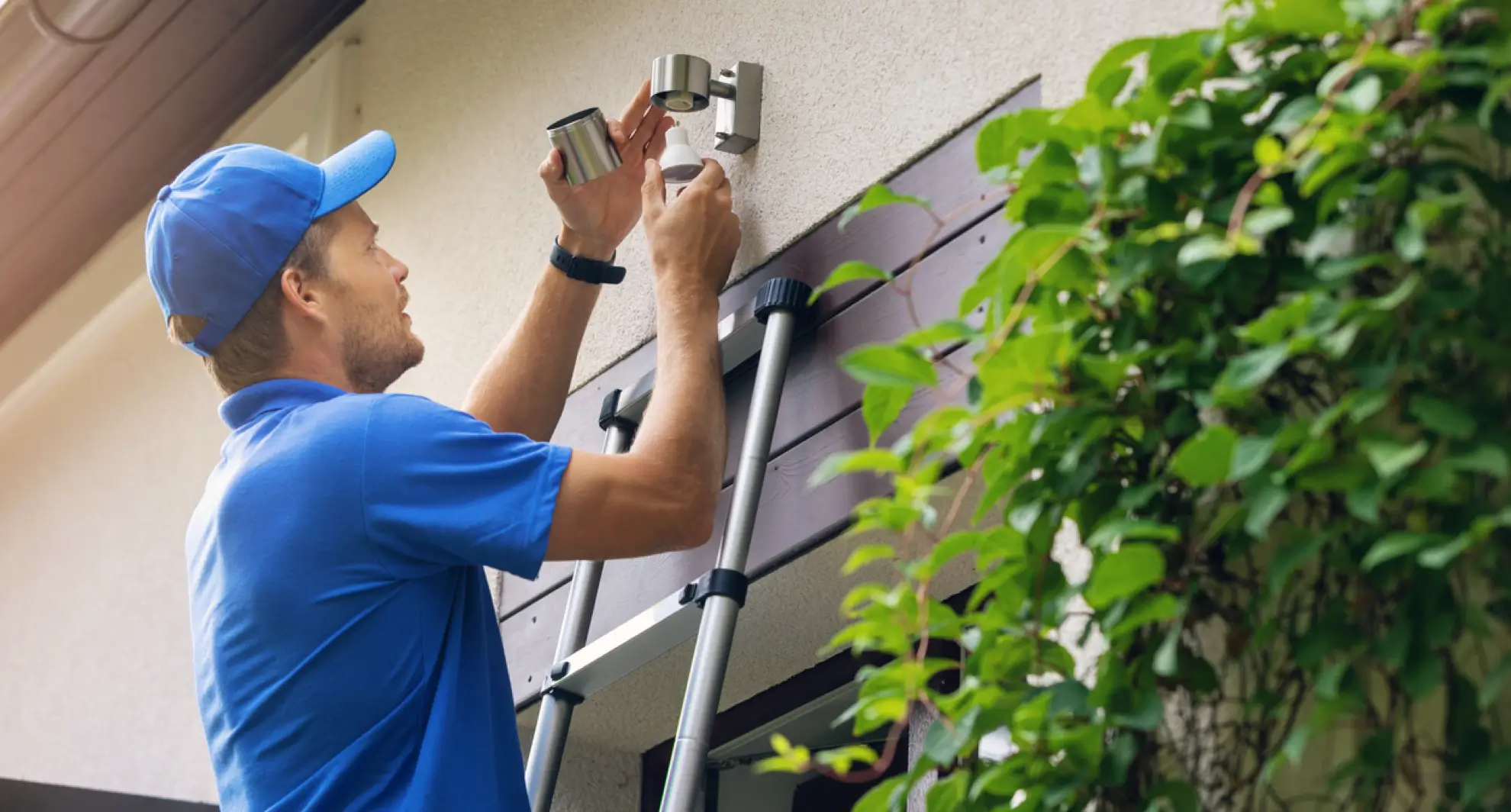
Credit: mrelectric.com
Why Reset Your Motion Sensor Light
Have you ever wondered why your motion sensor light seems to have a mind of its own? Whether it’s flickering unexpectedly or not turning on at all, resetting it might be the solution. Resetting a motion sensor light can resolve common issues and restore its functionality. But why exactly should you consider resetting it?
Common Issues Needing Reset
Motion sensor lights can sometimes act up due to various reasons. You might notice the light staying on continuously or not responding to movement. This could be due to power surges, incorrect settings, or even interference from nearby devices. Resetting the light can help clear these glitches.
Imagine coming home late at night and the light fails to detect your presence. Or perhaps it flickers annoyingly, disrupting your peaceful evening. These common problems often indicate the need for a reset.
Benefits Of Resetting
Resetting your motion sensor light can offer several advantages. Firstly, it can restore the light’s sensitivity, ensuring it detects movement accurately. This can be particularly useful for security purposes, giving you peace of mind knowing your property is well-monitored.
Additionally, a reset can improve energy efficiency. By ensuring the light only operates when needed, you save on electricity bills. It can also extend the life of your bulb by preventing unnecessary wear and tear.
Think about the convenience of having a reliable motion sensor light. Wouldn’t it be great to have it working optimally, enhancing your outdoor experience? Resetting might just be the simple fix you need.

Credit: www.reddit.com
Tools Needed For Reset
Before you begin resetting your motion sensor light, gathering the right tools can make the process smoother and faster. You don’t need a huge toolbox—just a few basic items to get the job done efficiently. Having these tools ready ensures you won’t get stuck halfway through, especially when dealing with electrical components.
Basic Hand Tools
You’ll want a screwdriver set, typically including both flathead and Phillips heads. This is essential for opening the light fixture’s casing or removing screws holding the sensor in place. A small adjustable wrench might also come in handy if your sensor has nuts or bolts securing it.
Voltage Tester Or Multimeter
Safety is key, and a voltage tester helps confirm the power is off before you touch anything. A multimeter offers more detailed information, letting you check if the sensor is receiving power properly. Have this tool nearby to avoid any surprises and protect yourself from electrical hazards.
Replacement Batteries
If your motion sensor light runs on batteries, keep a fresh set on hand. Sometimes, resetting involves removing and reinserting batteries, or swapping out old ones entirely. This simple step often resolves many sensor issues without needing further intervention.
Cleaning Supplies
Motion sensors can get dirty or blocked, affecting performance. A soft cloth and mild cleaner help you wipe down the sensor and surrounding areas during the reset. You might be surprised how much a quick clean improves sensor response.
Flashlight Or Headlamp
Working in dim outdoor areas or poorly lit rooms is tricky. Having a reliable light source lets you see small screws and wiring clearly. A hands-free headlamp is especially useful, freeing both hands for the task.
Do you have these tools ready? Taking a few minutes to gather them can save you frustration and speed up your reset process. What’s the one tool you think is absolutely essential for this job?
Step-by-step Reset Guide
Resetting your motion sensor light can clear glitches and bring it back to optimal performance. The process is straightforward if you follow these clear steps carefully. Let’s walk through the reset procedure so you can quickly get your light working as it should.
Turn Off Power Supply
Start by switching off the power to your motion sensor light at the circuit breaker or unplugging it if possible. This step is crucial for your safety and to ensure the reset process works correctly. Have you ever tried resetting without cutting power first? It often leads to frustration and no results.
Locate The Reset Button
Look for a small reset button on the motion sensor unit. It is usually found near the sensor lens or on the back panel. If you can’t spot it, check the user manual or manufacturer’s website; some models hide it under a removable cover.
Press And Hold The Reset Button
Press and hold the reset button for about 10 to 15 seconds. You may notice the light blinking or turning off, indicating the sensor is resetting. This simple action clears previous settings and errors stored in the device.
Adjust Sensor Settings
After the reset, you’ll want to customize the sensor settings again to fit your needs. This includes adjusting sensitivity, light duration, and detection range. Have you found that tweaking these settings improves your light’s responsiveness significantly?
Restore Power And Test
Turn the power back on and test your motion sensor light by moving within its detection zone. Watch how it responds and make further adjustments if necessary. Testing ensures your efforts paid off and the sensor works exactly as you want.

Credit: howlandhammer.com
Troubleshooting Tips
Troubleshooting your motion sensor light can save you time and money. Often, the issues are simple to fix once you know what to check. Let’s dive into some common problems and how you can solve them quickly.
Sensor Not Resetting
If your motion sensor light isn’t resetting properly, start by cutting power to the unit. Sometimes, the internal circuitry needs a full power cycle to clear glitches.
Try turning off the breaker or unplugging the light for about 30 seconds before restoring power. If this doesn’t work, check for loose wiring or corrosion around the sensor.
Have you inspected the sensor’s lens? Dirt or spider webs can block the sensor and prevent it from resetting. A gentle clean with a soft cloth might do the trick.
Light Flickering Issues
Flickering lights are annoying and often indicate a wiring or electrical issue. Start by tightening all wire connections inside the fixture to ensure good contact.
Also, check the bulb type. Using the wrong bulb, like an incompatible LED, can cause flickering. Replace it with a bulb recommended by the manufacturer.
Sometimes, flickering happens if the sensor is too close to heat sources or reflective surfaces that confuse it. Could you try repositioning it slightly to see if that stops the flicker?
Adjusting Sensitivity And Timer
Incorrect sensitivity or timer settings can make your light behave oddly—either shutting off too soon or staying on too long. Locate the adjustment dials, usually marked as “SENS” and “TIME”.
Turn the sensitivity dial slowly to find the sweet spot where the sensor detects motion accurately without false triggers. Adjust the timer to set how long the light stays on after activation.
Have you noticed if your light stays on during the day? If so, tweaking the daylight sensor or photo cell settings might help prevent unnecessary activation.
Maintaining Your Motion Sensor Light
Maintaining your motion sensor light helps it work well and last longer. Dirt, dust, and worn parts can stop it from sensing movement properly. Regular care keeps the light bright and responsive. It also reduces the need for frequent resets or repairs.
Regular Cleaning
Clean the sensor lens and light cover often. Use a soft, dry cloth to remove dust and dirt. Avoid harsh chemicals that may damage the surface. Clean surfaces let the sensor detect motion clearly. This prevents false triggers and missed activations.
Checking For Obstructions
Look around the sensor for objects blocking its view. Trees, bushes, or decorations can stop the sensor from working well. Keep the area clear within the sensor’s range. Trim plants and move any items that could cause problems. A clear path helps the sensor detect movement quickly and accurately.
Replacing Batteries Or Bulbs
Check the batteries regularly if your sensor light uses them. Weak batteries cause dim light or no response. Replace them as soon as the light fades or stops working. For lights with bulbs, inspect them often for signs of wear. Replace burnt-out bulbs promptly to keep the light bright and reliable.
Frequently Asked Questions
How Do I Reset A Motion Sensor Light?
To reset a motion sensor light, turn off the power for 30 seconds. Then, turn it back on and adjust settings as needed. This refreshes the sensor and resolves most issues quickly.
Why Is My Motion Sensor Light Not Resetting?
If your light won’t reset, check the power source and wiring first. Faulty connections or dead batteries often cause reset failure. Also, ensure the sensor is clean and unobstructed.
Can I Reset A Motion Sensor Light Without Tools?
Yes, you can reset most motion sensor lights by switching off the circuit breaker or unplugging the device. Wait 30 seconds before powering it back on to complete the reset.
How Often Should I Reset A Motion Sensor Light?
Resetting is usually needed only when the light malfunctions or settings change. Regular resets every few months can help maintain optimal performance and sensor accuracy.
Conclusion
Resetting a motion sensor light can fix many common problems. Start by turning off the power to stay safe. Follow the steps carefully to reset the sensor. Testing the light after reset ensures it works properly. Regular checks keep your sensor light reliable and effective.
Simple fixes save time and money compared to replacements. Keep your outdoor areas well-lit and secure. A properly working motion sensor light makes a big difference. Try these tips to maintain your light’s performance.






