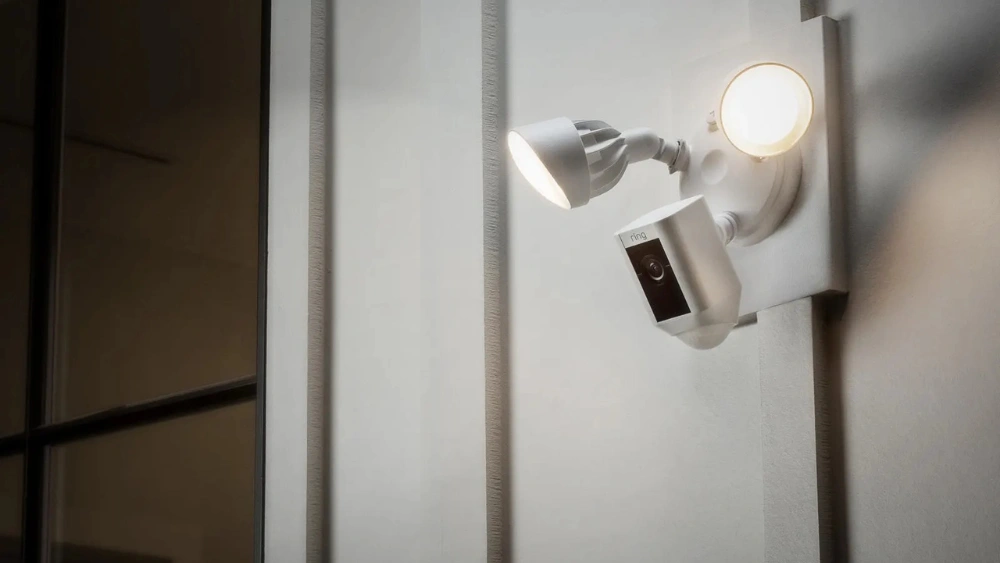
Have you ever wished your motion sensor light would stay on longer when you need it most? Maybe it turns off too quickly, leaving you in the dark just when you want safety and convenience.
You’re not alone—and the good news is, you can fix this. You’ll learn simple and effective ways to make your motion sensor light stay on exactly how you want. Keep reading, and soon your outdoor or indoor space will feel safer, brighter, and smarter.
Credit: blog.1000bulbs.com
Common Causes For Motion Sensor Lights Turning Off
Motion sensor lights are a fantastic way to enhance home security and save energy. However, they can sometimes be frustrating when they turn off unexpectedly. Understanding the common causes behind this can help you troubleshoot and keep your lights shining brightly.
Sensor Sensitivity Issues
If your motion sensor light keeps shutting off, it might be due to sensitivity settings. Sensors can be overly sensitive, detecting minor movements like leaves rustling or small animals. Check the sensitivity dial or settings and adjust it to a level where it only responds to larger movements. This can prevent unnecessary shut-offs.
Incorrect Timer Settings
Timer settings dictate how long the light stays on after detecting motion. If the light switches off too quickly, it might be set to a short duration. Review the timer settings, usually found in the control panel or manual, and set it to a longer interval. This ensures the light stays on for the desired time.
Power Supply Problems
A stable power supply is crucial for consistent lighting. Flickering or turning off might signal voltage fluctuations or loose connections. Check all wiring and connections to ensure they are secure. If you experience frequent power dips, consider using a voltage regulator to stabilize the flow.
Obstructions And Placement
Placement of the motion sensor is key to its effectiveness. If the sensor is blocked by objects or placed in an area with limited view, it might not detect movement properly. Ensure the sensor has a clear line of sight and is installed at the right height and angle to cover the desired area.
Have you ever had an unexpected guest approach your door only to find the light didn’t turn on? Ensuring your motion sensor lights function correctly not only boosts security but also offers peace of mind. By addressing these common issues, you can keep your home well-lit and welcoming.

Credit: howlandhammer.com
Adjusting Sensor Settings
Adjusting the sensor settings is key to making a motion sensor light stay on longer. These settings control how the sensor detects movement and how long the light remains active. Small changes can make a big difference in performance and convenience.
Increasing Sensitivity
Increasing the sensor’s sensitivity helps it detect smaller or distant movements. This setting is useful in large areas or places with low activity. Be careful not to set sensitivity too high. It may cause the light to turn on unnecessarily, wasting energy.
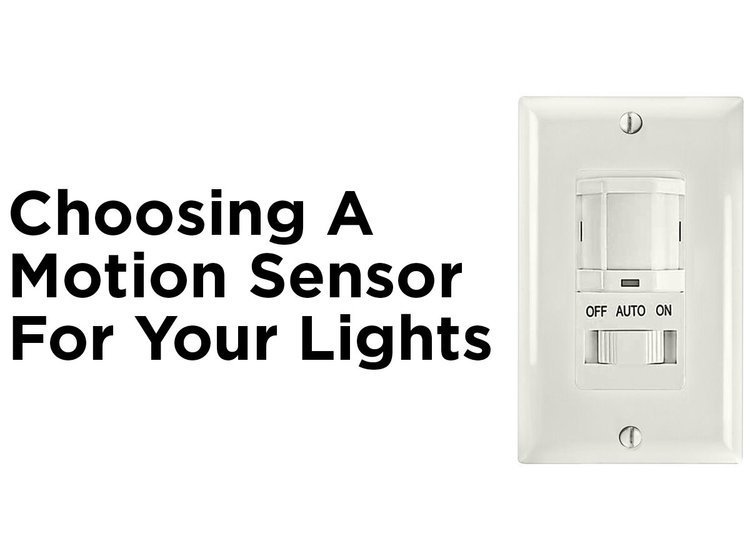
Most sensors have a dial or button labeled “sensitivity.” Turn it gently towards a higher setting. Test the light by moving slowly in front of it. Adjust until the light reacts at the right distance.
Extending Light Duration
Extending the light duration keeps the light on longer after motion stops. This setting prevents the light from turning off too quickly. It is helpful for tasks that require more time in the area.
Look for a control marked “time” or “delay.” Increase the time by turning the dial or pressing buttons. Try different durations like 30 seconds, 1 minute, or more. Choose the time that fits your needs without wasting power.
Calibrating Daylight Sensors
Daylight sensors stop the light from turning on during the day. Calibrating these sensors ensures the light works only when needed. This saves electricity and extends bulb life.
Find the daylight sensor adjustment, often labeled “lux” or “light level.” Set it according to the amount of ambient light in your area. Lower settings allow the light to turn on at dusk or on cloudy days. Higher settings keep the light off until it is very dark.
Optimizing Light Placement
Optimizing the placement of your motion sensor light can greatly improve its performance. Proper positioning helps the light detect movement clearly and stay on longer. Thoughtful placement also reduces false triggers and blind spots.
Avoiding Obstructions
Keep the sensor clear of objects that block its view. Trees, walls, or furniture can stop the sensor from detecting motion. Place the light where nothing stands between it and the area you want to monitor. This ensures a steady signal and longer light activation.
Positioning For Maximum Coverage
Mount the light at a height between 6 to 10 feet. This height covers a wide area without losing sensitivity. Aim the sensor toward common paths or entry points. Angling the sensor slightly downward helps catch movement close to the ground. Test different angles to find the best coverage for your space.
Considering Environmental Factors
Avoid placing the light near heat sources or vents. Sudden temperature changes can cause false triggers. Direct sunlight on the sensor may also reduce its accuracy. Choose a spot shielded from strong winds and heavy rain. This protects the sensor and keeps it working reliably.
Electrical Fixes To Keep Light On
Keeping your motion sensor light on for longer periods can sometimes require electrical tweaks beyond just adjusting the sensor settings. Electrical fixes can address underlying issues like faulty wiring or incompatible bulbs that cause the light to turn off prematurely. These practical steps help ensure your light functions exactly as you need it to, offering consistent illumination when required.
Checking Wiring Connections
Loose or damaged wiring is a common reason why motion sensor lights turn off unexpectedly. Inspect the wiring connections inside the sensor box and at the light fixture for any signs of wear or corrosion.
Make sure all wires are tightly connected and secured with wire nuts. If you spot any frayed or exposed wires, replace or repair them immediately to avoid short circuits or power loss.
Have you checked your wiring recently? Even a small loose connection can cause your light to flicker or shut off.
Using Bypass Switches
If you want the motion sensor light to stay on continuously without relying on motion detection, installing a bypass switch is an effective solution. This switch allows you to override the sensor and keep the light on manually.
Bypass switches are easy to install and give you full control over the light’s operation. You can switch between automatic motion sensing and continuous lighting depending on your needs.
Consider if you need the light on all night or just during specific times—bypass switches provide that flexibility without rewiring the entire setup.
Upgrading To Compatible Bulbs
The type of bulb you use can influence how your motion sensor light performs. Some sensors don’t work well with certain bulbs, especially LED or CFL types that may cause flickering or early shutoff.
Check your sensor’s specifications for recommended bulb types and wattage limits. Switching to a compatible bulb can solve many issues instantly and improve the sensor’s responsiveness.
Have you tried a different bulb yet? Sometimes, simply upgrading to a bulb designed for sensor lights makes all the difference in keeping your light on consistently.
Alternative Solutions For Continuous Lighting
If you want your motion sensor light to stay on continuously, there are several practical alternatives beyond just adjusting the sensor settings. These solutions help you maintain constant lighting without compromising energy efficiency or convenience. Let’s look at options that can give you more control over your lighting setup.
Using Manual Override Features
Many motion sensor lights come with a manual override button or switch. This feature lets you keep the light on regardless of motion detection. You can simply press the override button when you want the light to stay illuminated for a longer time.
Manual override is especially useful if you’re hosting an outdoor event or working late outside. It gives you immediate control without needing to fiddle with complicated settings. Have you checked if your light model includes this feature?
Installing Smart Motion Sensors
Smart motion sensors offer advanced options to customize how your light behaves. You can set schedules, adjust sensitivity, and even control the light remotely via a smartphone app. This flexibility allows you to keep the light on continuously during specific hours or whenever you choose.
For instance, I installed a smart sensor in my backyard and programmed it to stay on during evening hours automatically. It saved me from constantly turning the light on and off. Would a smart system fit your home setup?
Combining With Timer Switches
Pairing your motion sensor light with a timer switch is another effective solution. The timer can be set to keep the light on for a desired duration or during certain time blocks. This combination ensures the light stays on longer than the default sensor setting without manual intervention.
You can find simple plug-in timers or more advanced programmable ones. This option is budget-friendly and easy to install. How much control do you want over your lighting schedule?

Credit: www.weilailifetech.com
Maintenance Tips For Reliable Operation
Keeping your motion sensor light working well means regular care and attention. Simple maintenance helps avoid glitches and keeps the light on when needed. Small efforts ensure steady and reliable operation over time.
Regular Cleaning Of Sensors
Dust and dirt block the sensor’s view. Clean the sensor gently with a soft cloth. Avoid harsh chemicals that may damage the lens. Clear sensors detect motion better and prevent false triggers.
Routine System Checks
Test the light regularly to confirm it works correctly. Check the sensor’s range and sensitivity settings. Make sure the light stays on for the set time after motion is detected. Adjust settings if the light turns off too soon.
Replacing Faulty Components
Wear and tear can cause parts to fail. Replace old batteries or bulbs promptly. Inspect wiring for damage or loose connections. Faulty parts affect the sensor’s performance and light operation.
Frequently Asked Questions
How Can I Make A Motion Sensor Light Stay On Longer?
Adjust the timer setting on your motion sensor light. Most models have a dial or digital control to extend the light duration. Increasing the timer keeps the light on longer after motion is detected, improving convenience and security.
Can I Bypass The Motion Sensor To Keep The Light On?
Yes, you can bypass the sensor by switching to manual mode if available. Some lights feature a manual override switch or remote control. This lets you keep the light continuously on without relying on motion detection.
Why Does My Motion Sensor Light Turn Off Too Quickly?
The timer may be set too short, or the sensor sensitivity is low. Adjust the timer and sensitivity settings to keep the light on longer. Also, ensure there are no obstructions blocking the sensor’s view.
Is It Possible To Add An External Switch To Control The Light?
Yes, adding an external switch allows manual control to keep the light on. You can wire a compatible switch to override the motion sensor. This setup provides flexibility between automatic and manual lighting.
Conclusion
Making a motion sensor light stay on is easier than it seems. Adjust the settings carefully for longer light time. Check the sensor’s position and sensitivity often. Keep the light clean and free from obstructions. These small steps help the light work better.
Save energy and increase safety at the same time. Try these tips and enjoy a well-lit space. Simple changes can make a big difference. Keep experimenting until you find what works best.






