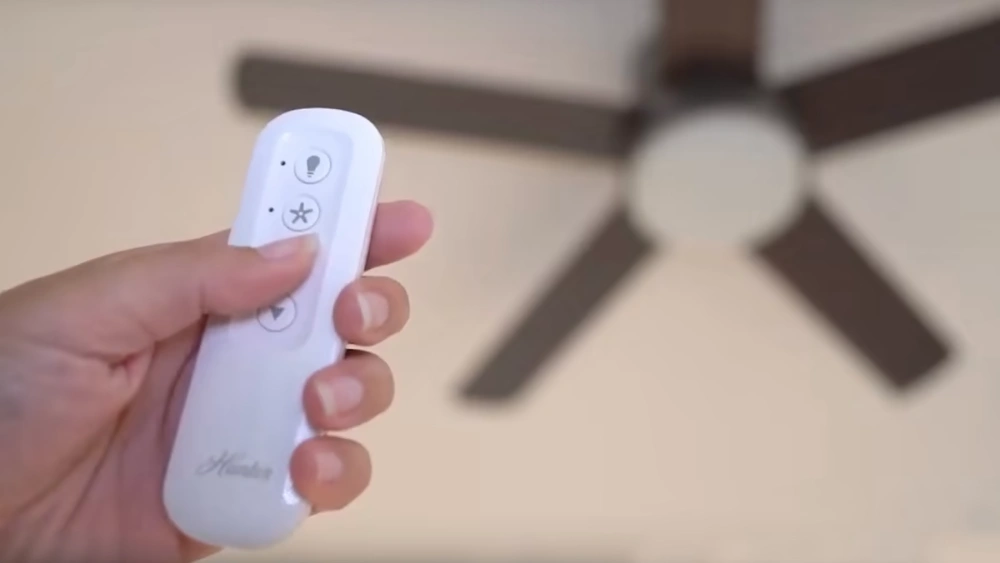
Are you tired of getting up just to adjust your ceiling fan? Imagine controlling your fan’s speed and light with just a click, without leaving your seat.
Adding a remote control to your ceiling fan can make your life easier and more comfortable. In this guide, you’ll discover simple steps to upgrade your fan quickly and safely. Keep reading, and you’ll learn how to turn your ordinary fan into a smart, convenient appliance you’ll love using every day.
Choosing The Right Remote Control Kit
Choosing the right remote control kit for your ceiling fan can save you time and frustration. The perfect kit matches your fan’s features and fits your lifestyle. Understanding the types of kits available and checking compatibility are key steps before making a purchase.
Types Of Remote Kits
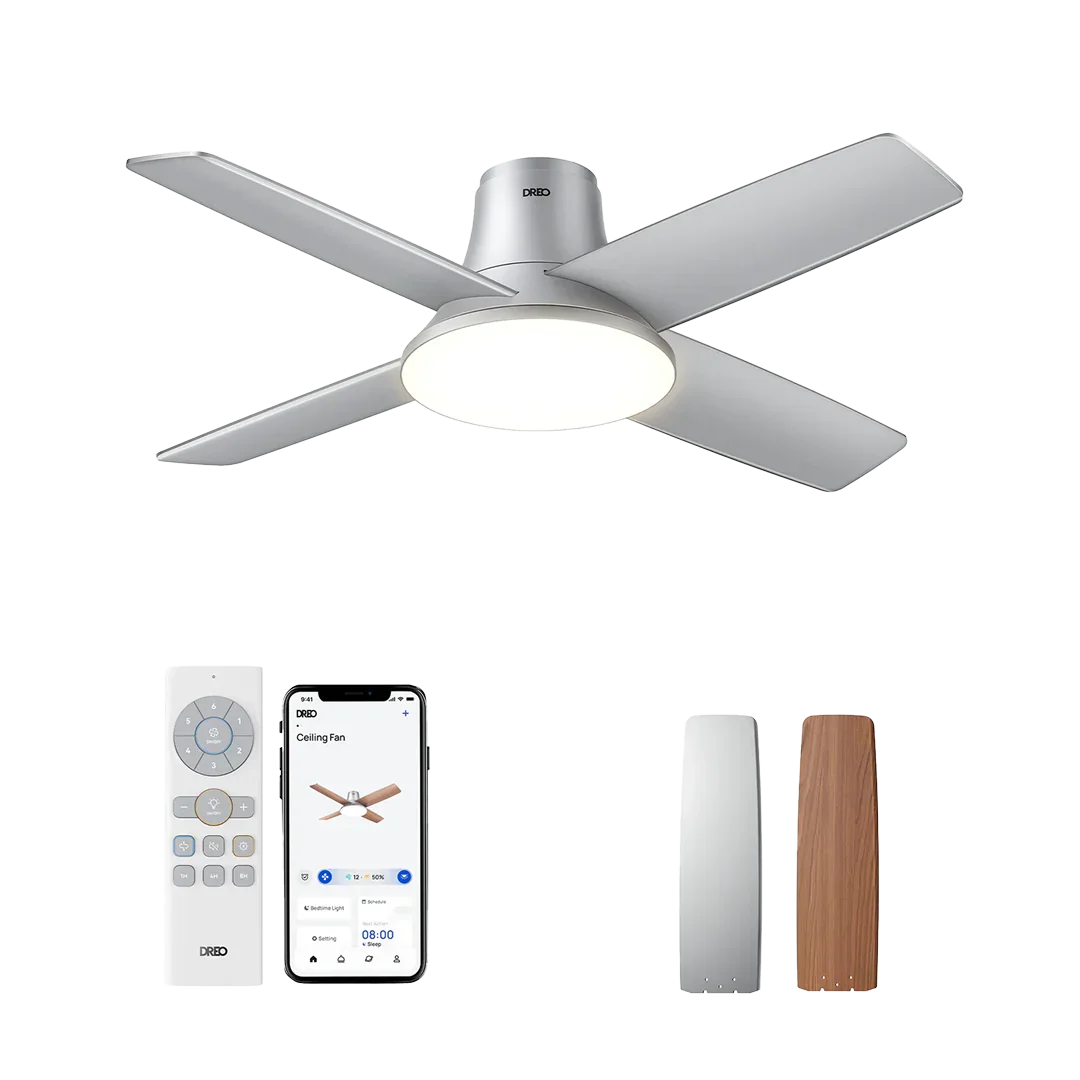
Remote kits come in several varieties, each offering different levels of control and convenience. Basic kits usually control just the fan speed and on/off function. More advanced kits add light control, reverse function, and even smart home integration.
Some kits use infrared signals, requiring a clear line of sight, while others use radio frequency (RF), which works through walls. RF remotes generally offer better range and flexibility. Have you thought about whether you want a simple remote or a smart system you can control with your phone?
Compatibility With Ceiling Fans
Not every remote kit fits every ceiling fan. You need to check the voltage and wiring setup of your fan before buying a kit. Most kits specify if they work with AC or DC motors, and some are designed for specific brands or models.
Look at your fan’s manual or model number to verify compatibility. Installing a remote kit that doesn’t match your fan can lead to poor performance or even damage. Have you checked if your fan supports remote control before buying a kit?

Credit: www.amazon.com
Gathering Necessary Tools And Materials
Before you start adding a remote control to your ceiling fan, gathering the right tools and materials is crucial. Having everything ready not only saves time but also makes the installation smoother and safer. Missing a key tool halfway through can turn a simple task into a frustrating experience.
Essential Tools For Installation
To add a remote control to your ceiling fan, you’ll need a few basic tools. These will help you open the fan housing, connect wires, and mount the remote receiver securely.
- Phillips and flathead screwdrivers:Most ceiling fans use screws that require these for removal and installation.
- Wire strippers:Essential for stripping insulation from wires without damaging them.
- Voltage tester:This tool ensures the power is off before you touch any wires, preventing shocks.
- Electrical tape:To insulate wire connections safely after installation.
- Ladder or step stool:You’ll need stable support to reach the fan comfortably and safely.
When I first installed a remote control on my fan, not having a voltage tester made me nervous. It’s a small investment that adds big peace of mind.
Safety Gear Checklist
Safety should be your top priority. Protect yourself with the right gear before handling electrical components.
- Insulated gloves:They protect your hands from electric shocks and sharp fan parts.
- Safety glasses:Prevent dust or debris from getting into your eyes when working overhead.
- Non-slip shoes:Ensure you have stable footing, especially if using a ladder.
Think about the last time you worked on a DIY project without proper safety gear. Was it worth the risk? Taking a few extra minutes to gear up can save you from injury.
Preparing Your Ceiling Fan
Preparing your ceiling fan is a key part of adding a remote control. This step ensures safety and smooth installation. Proper preparation makes the process easier and avoids damage to the fan or wiring.
Clear the area around the fan. Have a sturdy ladder ready. Gather tools like a screwdriver and voltage tester before starting.
Turning Off Power Supply
Safety first. Switch off the power at the circuit breaker. Do not rely only on the wall switch. Use a voltage tester to confirm no electricity flows to the fan. This prevents shocks and accidents during work.
Removing Fan Housing
Locate the screws holding the fan housing in place. Use a screwdriver to remove these screws carefully. Gently lower the housing to expose the wiring and internal components. Keep the screws safe for reassembly. This step gives access needed to connect the remote control receiver.
Installing The Remote Receiver
Installing the remote receiver is a key part of adding remote control to your ceiling fan. The receiver acts as the bridge between your fan and the remote. It receives signals and controls the fan’s speed and light functions. Correct installation ensures smooth operation and safety.
Connecting Wires
First, turn off the power at the circuit breaker. Safety is crucial during wiring. Locate the fan’s wiring bundle inside the canopy. The receiver will have several wires, usually color-coded.
- Match the receiver wires to the fan wires by color:
- Black to black (fan motor)
- White to white (neutral)
- Blue to blue (light kit, if applicable)
- Green or bare copper to ground wire
- Use wire nuts to connect each matching wire securely.
- Ensure no exposed wire is visible after connections.
Double-check all wire connections before moving on. Loose wires can cause malfunctions or hazards.
Securing The Receiver
The receiver must fit inside the fan’s canopy or mounting bracket. Find a space that does not squeeze or pinch the receiver. Avoid contact with moving parts.
- Use electrical tape or zip ties to hold the receiver in place.
- Keep wires neat and away from the fan blades.
- Reattach the fan canopy carefully without disturbing the receiver.
Properly secured receivers avoid noise and damage. After securing, restore power and test the remote controls. Smooth operation confirms successful installation.
Configuring The Remote Control
Configuring the remote control is a key step to enjoy the convenience of your ceiling fan. This process ensures the remote and receiver work together smoothly. It involves pairing the devices and testing their functions. Proper setup guarantees full control over fan speed, light, and power.
Pairing Remote With Receiver
Start by turning off the power to the ceiling fan. Open the fan’s canopy to access the receiver. Locate the pairing button on the receiver unit. Press and hold this button for a few seconds until a light blinks. Next, press any button on the remote control. The blinking light should stop, confirming the devices are paired. Close the canopy and restore power.
Testing Functionality
Use the remote to test each function of the ceiling fan. Try turning the fan on and off. Adjust the fan speed through all available settings. Test the light control if your fan has a light kit. Confirm the remote responds quickly and accurately to commands. If a function does not work, repeat the pairing process or check the batteries.
Credit: www.dreo.com
Troubleshooting Common Issues
Adding a remote control to your ceiling fan should make life easier, but sometimes issues pop up that can be frustrating. Troubleshooting these common problems quickly can save you time and hassle. Let’s look at practical ways to fix the most frequent hiccups you might face.
Remote Not Responding
If your remote suddenly stops working, the first thing to check is the batteries. Dead or weak batteries are often the culprit. Swap them out with fresh ones and see if the remote springs back to life.
Next, ensure that the remote is pointed directly at the fan’s receiver. Obstructions or distance can block the signal. Remember, even a small barrier like a decorative lampshade can interfere.
Have you recently reset the fan or changed wiring? Sometimes the receiver inside the fan needs to be re-synced with the remote. This usually involves a simple button press sequence—check your remote’s manual for exact steps.
Fan Speed Problems
Are the fan speeds not changing as expected? This issue often comes from incorrect wiring of the remote receiver. Double-check that all connections match the installation guide.
Sometimes the receiver itself might be faulty. If the fan only runs at one speed or doesn’t respond to speed commands, try replacing the receiver unit. This can be an inexpensive fix compared to replacing the entire fan.
Consider environmental factors like voltage fluctuations. Have you noticed flickering lights or inconsistent fan speed? This could signal electrical issues beyond the remote control setup, and consulting an electrician might be necessary.
Maintenance Tips For Long-term Use
Keeping your ceiling fan’s remote control in good shape ensures smooth operation for years. Simple care habits prevent common issues like poor signal or dead batteries. Follow these maintenance tips to enjoy long-term use without hassle.
Regular Battery Checks
Check the remote’s batteries every few months. Weak batteries cause the remote to respond slowly or not at all. Replace old batteries promptly with fresh ones. Use the correct battery type as recommended in the manual. Remove batteries if you won’t use the remote for a long time. This helps avoid battery leaks that can damage the device.
Cleaning Remote Sensors
Clean the sensor on both the fan and remote regularly. Dust and dirt block the infrared signal. Use a soft, dry cloth to wipe sensor areas gently. Avoid harsh chemicals that can damage the sensor lens. Keep the remote sensor free from obstructions like curtains or furniture. Proper cleaning keeps signals strong and response fast.

Credit: www.amazon.com
Frequently Asked Questions
How Do I Install A Remote Control On My Ceiling Fan?
To install a remote, first turn off power to the fan. Remove the fan’s canopy and connect the remote receiver wires to the fan wires. Then, secure the receiver inside the canopy, reattach it, and pair the remote. Always follow the specific kit instructions for safety.
Can I Add A Remote Control To Any Ceiling Fan?
Most ceiling fans can be upgraded with a remote control if they have a pull chain or wall switch. However, some older or very basic models may not be compatible. Check the fan’s wiring and consult the remote control kit’s compatibility list before purchasing.
What Tools Are Needed To Add A Remote Control?
You typically need a screwdriver, wire strippers, and electrical tape. A voltage tester is also helpful to ensure power is off before installation. These tools help safely connect the remote receiver to the fan’s wiring without damaging components.
How Much Does It Cost To Add A Remote Control?
Remote control kits for ceiling fans usually cost between $20 and $50. Installation can be DIY, saving money, or done by an electrician for an additional fee. Prices vary based on brand, features, and your location.
Conclusion
Adding a remote control to your ceiling fan makes life easier. You can change settings without moving. Installation is simple and saves time. It improves comfort in any room quickly. This upgrade fits most fans and homes. Enjoy better control and convenience today.
Try it yourself and see the difference. Small changes bring big benefits to daily life.






