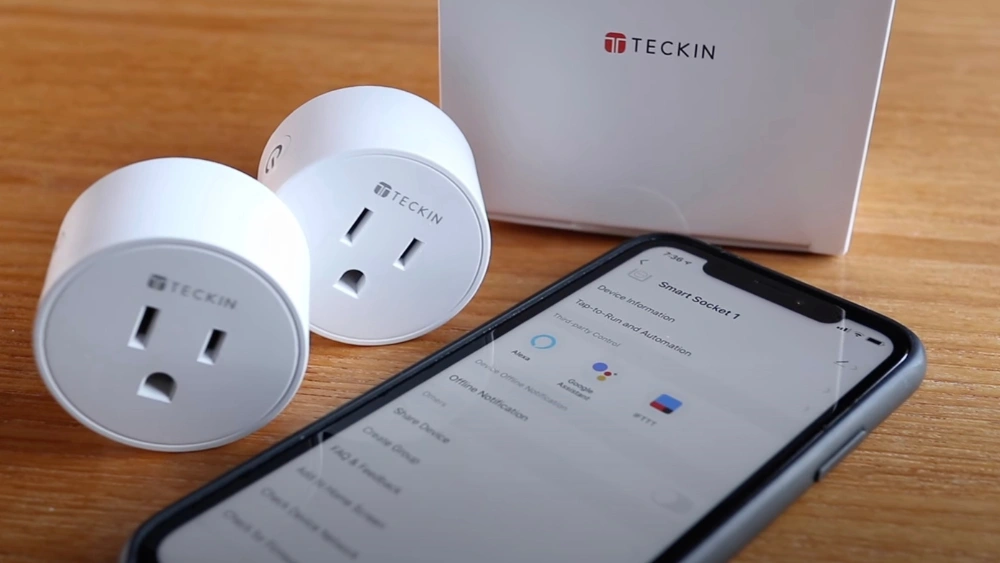
Have you ever wished your lights or appliances could turn off automatically without you having to remember? Setting a timer on your smart plug can make that wish come true.
Imagine saving energy, boosting your home’s security, and simplifying your daily routine—all with a simple timer. If you’ve been wondering, “Can I set a timer on my smart plug? ” you’re in the right place. Keep reading to discover how easy it is to take control of your devices and make your home smarter than ever.
Setting Up Your Smart Plug
Setting up your smart plug is easier than you might think. It only takes a few simple steps to get it running and ready to control your devices. Let’s break down what you need to know to start using timers and schedules effectively.
Choosing The Right Smart Plug
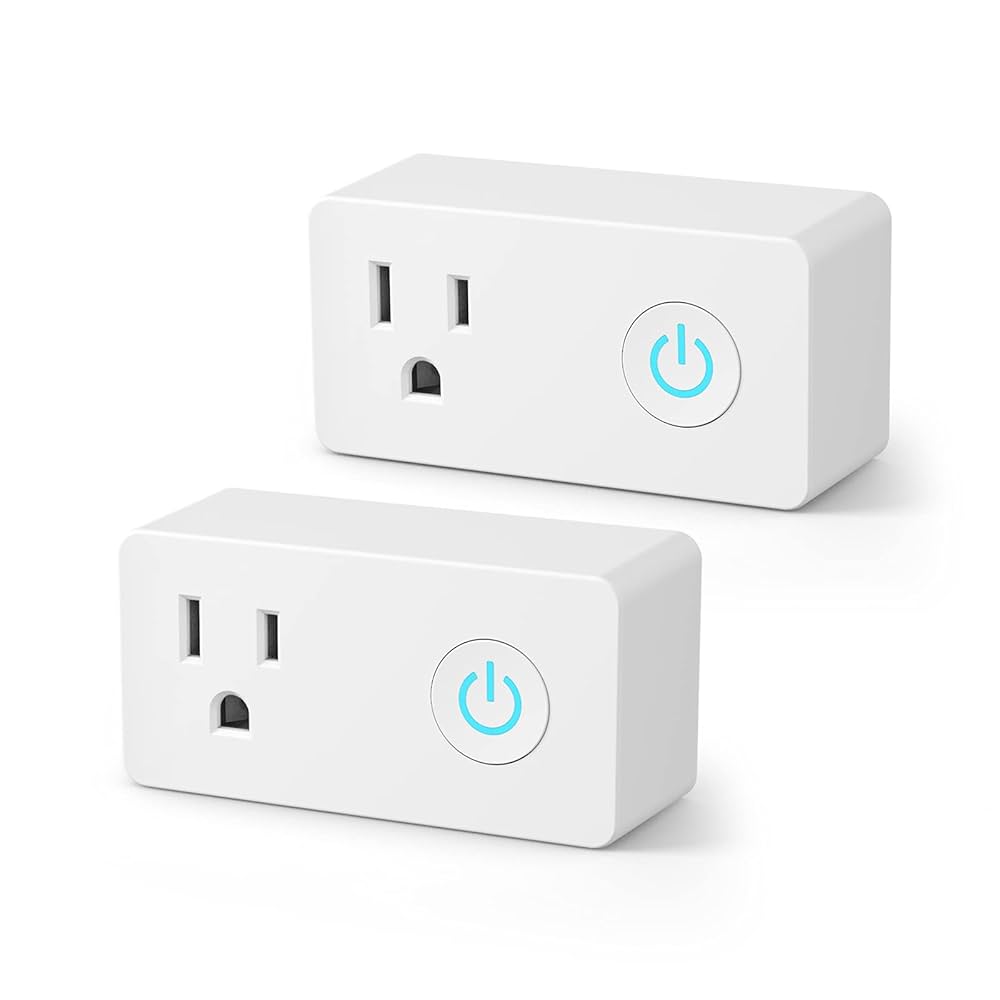
Not all smart plugs are created equal. Some support timers and scheduling, while others might only offer basic on/off control.
Ask yourself these questions before buying:
- Does it work with your home’s Wi-Fi network?
- Is it compatible with your smart home assistant, like Alexa or Google Home?
- What is the maximum wattage it can handle?
- Does the app allow easy scheduling and timer settings?
I once bought a plug that looked great but didn’t support scheduling, which was frustrating. Checking these features upfront saves you time and hassle.
Installation Basics
Start by plugging your smart plug into a wall socket. Make sure it fits well without blocking other outlets.
Download the manufacturer’s app and follow the setup instructions. Usually, this involves connecting the plug to your Wi-Fi network.
Once connected, test the plug by turning it on and off from the app. This confirms the device is ready for scheduling.
Have you noticed how intuitive some apps are? A good app makes setting timers a breeze, while a poor one can turn a simple task into a headache.
Connecting To A Home Network
Connecting your smart plug to your home network is essential for controlling it remotely and setting timers. The smart plug uses your Wi-Fi to communicate with your smartphone or smart home system. A stable connection ensures the device works smoothly without interruptions.
Setting up the smart plug starts with linking it to your Wi-Fi network. This allows you to control the plug from anywhere and schedule timers for your appliances. Understanding network compatibility and fixing common issues helps keep your smart plug running efficiently.
Wi-fi Compatibility
Most smart plugs work with 2.4 GHz Wi-Fi networks. This frequency offers better range and penetration through walls. Many routers provide both 2.4 GHz and 5 GHz bands, but some plugs do not support 5 GHz.
Check your router settings to confirm the Wi-Fi band. Make sure your smart plug supports the network type. Using an unsupported band can prevent the plug from connecting.
- Ensure your Wi-Fi network is 2.4 GHz for better compatibility.
- Verify your router’s security type (WPA2 is common).
- Avoid hidden networks as they may cause connection issues.
Troubleshooting Connectivity
Connection problems can stop your smart plug from working correctly. Simple fixes often solve these issues quickly. Start by checking your Wi-Fi signal strength near the plug.
Restart your router and smart plug to refresh the connection. Confirm that the plug’s firmware is up to date. Update the app controlling the device for the best performance.
- Move the smart plug closer to the router if the signal is weak.
- Reset the smart plug and try reconnecting to the network.
- Check for interference from other devices using the same frequency.
- Disable VPN or firewall settings that might block the connection.
Using The Smart Plug App
Using the smart plug app gives you full control over your devices right from your phone. It lets you set timers, schedules, and even monitor energy use without needing to be near the plug itself. Have you ever wished you could turn off a forgotten lamp while at work? The app makes that possible and simple.
Downloading And Installing The App
First, find the app that matches your smart plug brand. You can usually get it from the Apple App Store or Google Play Store. Check the app’s ratings and reviews before downloading to ensure it works well and is secure.
Installation is quick and straightforward. After downloading, open the app and follow the on-screen instructions. You’ll likely need to create an account or sign in using an existing one. This step is essential for syncing your smart plug with your phone.
Navigating The Interface
Once inside the app, you’ll see a clear layout designed to make managing your devices easy. The main screen usually shows all connected smart plugs with options to turn them on or off instantly. Look for a timer or schedule button to start setting your desired on/off times.
The app often uses icons and simple menus, which helps avoid confusion. If you ever feel stuck, many apps include a help section or FAQs. Have you explored all the app’s features to find hidden functions that could save you time?
Credit: www.consumerreports.org
Setting A Timer On Your Smart Plug
Setting a timer on your smart plug can transform how you manage your home devices. It lets you automate power control, saving energy and adding convenience. Whether you want your coffee maker ready in the morning or lights to turn off after you fall asleep, timers make this simple.
Accessing Timer Features
To begin, open the app connected to your smart plug. Most apps have a clear section labeled “Timer” or “Schedule.” If you’ve never explored it before, take a moment to familiarize yourself with the layout—it’s often more intuitive than you expect.
You’ll usually find options to set specific on/off times, and some apps offer countdown timers for short-term control. Don’t be surprised if you see the ability to repeat timers on certain days—that’s a handy feature for weekly routines.
Creating Custom Schedules
Creating your own schedule means you control exactly when your devices run. Start by selecting a device and choosing your desired on and off times. You can set multiple schedules to fit different parts of your day.
- Set morning lights to turn on at sunrise.
- Schedule a fan to run only during the hottest hours.
- Program your holiday lights to switch off automatically at midnight.
Think about your daily habits. Are there devices that could turn off automatically to save energy? What about turning on appliances just before you get home? Custom schedules give you these options.
Advanced Automation Techniques
Advanced automation techniques enhance the use of smart plugs beyond basic timers. These techniques allow you to control devices more efficiently and create smart routines. Automation brings convenience, saving energy and time.
Integrating With Smart Home Systems
Smart plugs can connect to popular smart home systems like Apple HomeKit, Google Home, or Samsung SmartThings. Integration lets you control multiple devices from one app. You can set schedules that sync with your daily routines.
Creating scenes or automation rules helps devices work together. For example, turning off lights and plugs when you leave home. This integration provides better control and energy savings.
Utilizing Voice Assistants
Voice assistants like Alexa, Google Assistant, or Siri simplify smart plug control. You can turn devices on or off with simple voice commands. Setting timers or schedules by speaking is quick and hands-free.
Voice control adds convenience, especially when your hands are full or you are far from the plug. It also helps users who prefer talking over using apps.

Credit: www.amazon.com
Benefits Of Automating With Smart Plugs
Automating your home with smart plugs brings a range of benefits that go beyond simple convenience. Setting timers on these devices helps you take control of your daily routines and can lead to noticeable improvements in how your home operates. Let’s look at some key advantages you can enjoy by making smart plugs a part of your automation setup.
Energy Efficiency
Smart plugs allow you to schedule appliances to turn off when not in use, cutting down on wasted electricity. This is especially useful for devices that often get left on accidentally, like coffee makers or holiday lights.
Imagine leaving your fan running all day while you’re at work—by setting a timer on your smart plug, you stop that unnecessary energy drain. Over time, these small adjustments can lower your utility bills and reduce your carbon footprint.
Enhanced Home Security
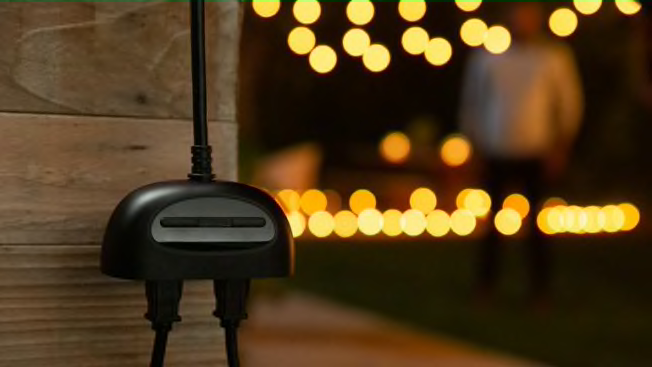
Timers on smart plugs can make your home look occupied even when you’re away. You can program lights to turn on and off at different times, which helps deter potential intruders.
Think about arriving home to a well-lit house that gives the impression someone is inside. This simple automation can add a layer of security without requiring any complex systems or ongoing effort on your part.
Troubleshooting Common Issues
Setting a timer on your smart plug should be simple. Sometimes, problems arise that stop the timer from working correctly. These common issues can be fixed with easy steps. Understanding the causes helps you get your smart plug working again quickly.
Timer Malfunctions
Timers may not work due to incorrect settings or device errors. Check the time zone in the app. It must match your local time. Make sure the timer is set for the right days and times. Restart the smart plug by unplugging it for a few seconds.
Resetting the smart plug can clear bugs. Look for firmware updates in the app. Updates often fix timer problems. Avoid setting overlapping timers. They can confuse the device and stop it from working.
App Connectivity Problems
Smart plugs need a strong Wi-Fi signal to connect properly. Move the plug closer to your router if the signal is weak. Restart your router to fix network glitches. Make sure your phone is on the same Wi-Fi network as the smart plug.
Check if the app has permission to use your network. Sometimes, firewalls or antivirus software block the connection. Logging out and back into the app can refresh your connection. Reinstall the app if the problem continues.
Credit: www.amazon.com
Frequently Asked Questions
Can I Set A Timer On Any Smart Plug?
Yes, most smart plugs support timer functions. You can schedule on/off times using their app or voice assistant. This feature helps automate devices and save energy efficiently.
How Do I Set A Timer On My Smart Plug?
To set a timer, open the smart plug’s app, select the device, and choose the timer or schedule option. Then, set the desired on/off time and save the settings.
Are Smart Plug Timers Customizable By Day Or Time?
Yes, many smart plugs allow you to customize timers by specific days and times. This flexibility helps create routines tailored to your schedule and lifestyle needs.
Can Smart Plug Timers Help Reduce Energy Usage?
Absolutely. Timers turn devices off when not needed, reducing power consumption. This automation lowers electricity bills and extends the life of your appliances.
Conclusion
Setting a timer on your smart plug is simple and useful. It helps save energy and keeps devices safe. You can control lights, fans, and other appliances easily. Many smart plugs have apps that make timing quick. Try using timers to create routines at home.
This small step adds comfort and convenience. Start with one device and explore the benefits. Smart plugs make daily tasks easier and more efficient. Give it a try and see the difference yourself.






